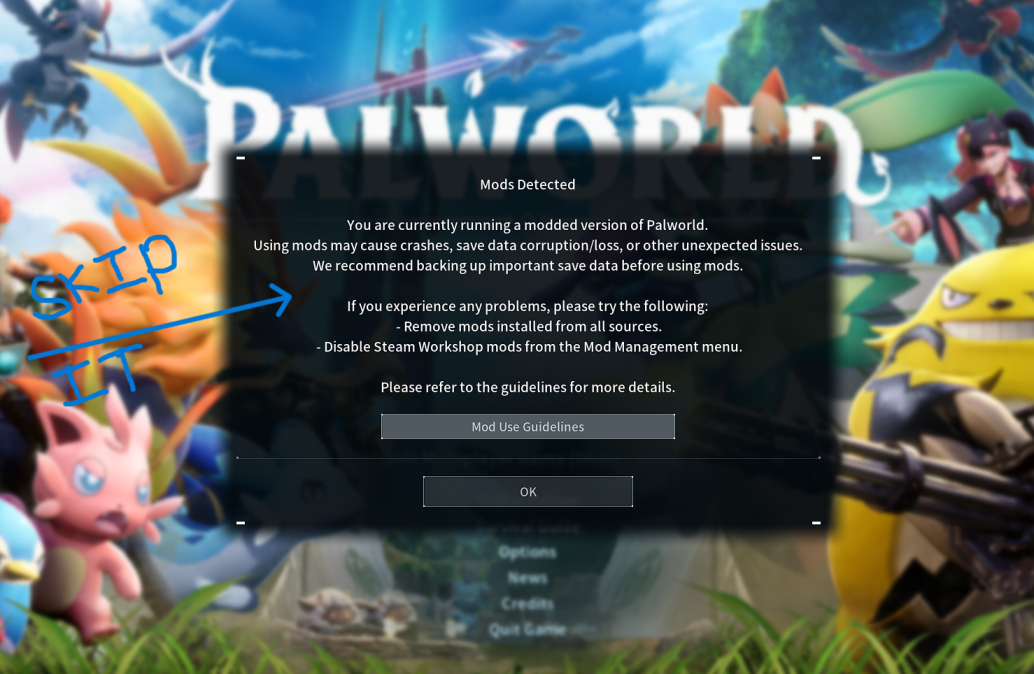
Automatically Skip Mod Caution
⚙️ What It Does
Auto-skip the new mod caution dialog, which currently forces users to click OK whenever mods are enabled.
📁 Installation
Prerequisite Required!
You must install UE4SS before you can use this mod. If you haven't done this yet, please follow the UE4SS Installation Guide first!
- Locate your Palworld directory.
- Drop the AutomaticallySkipModCaution folder into your UE4SS Mods directory:
Pal\Binaries\Win64\ue4ss\Mods - Ensure
enabled.txtis present (it should be there by default).